How to Create Your Own SPL Token on Solana: Step-by-Step Guide
Learn how to create your own SPL token on Solana blockchain. Complete tutorial for beginners covering token creation, minting, and distribution.
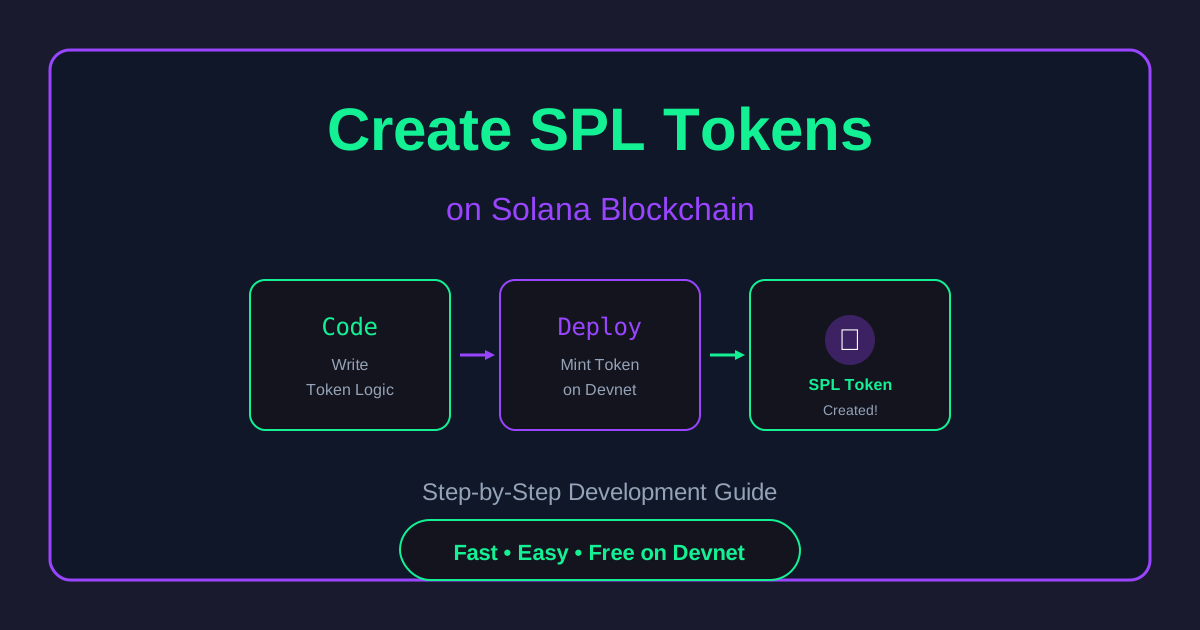
How to Create Your Own SPL Token on Solana: Step-by-Step Guide
Want to create your own cryptocurrency? Solana makes it incredibly easy and cheap to create SPL (Solana Program Library) tokens. Whether you're building the next DeFi protocol, launching an NFT project, or just learning blockchain development, this guide will walk you through the entire process.
What are SPL Tokens?
SPL tokens are the token standard on Solana, similar to:
- ERC-20 tokens on Ethereum
- BEP-20 tokens on BSC
- TRC-20 tokens on TRON
SPL tokens can represent:
- Cryptocurrencies
- Stablecoins
- Governance tokens
- Utility tokens
- Wrapped assets
- NFTs (using Token Metadata standard)
Why Create Tokens on Solana?
1. Extremely Low Costs
- Token creation: ~0.002 SOL (~$0.20)
- Transfer fees: ~0.00001 SOL (~$0.001)
- Compare to Ethereum: $50-500 for token creation
2. Lightning Fast
- Transaction finality in ~400ms
- Can handle 65,000 transactions per second
- No waiting for confirmations
3. Easy to Use
- Simple command-line tools
- Extensive documentation
- Large developer community
4. Growing Ecosystem
- Integrated with major DEXs (Jupiter, Raydium)
- Supported by wallets (Phantom, Solflare)
- Growing DeFi and NFT ecosystem
Prerequisites
Before starting, you'll need:
- Solana CLI: Install from solana.com
- SOL tokens: For Devnet testing or Mainnet deployment
- A wallet: Phantom, Solflare, or CLI wallet
- Basic terminal knowledge
Method 1: Using Solana CLI (Advanced)
Step 1: Install Solana CLI
sh -c "$(curl -sSfL https://release.solana.com/stable/install)"
Verify installation:
solana --version
Step 2: Configure Network
For testing (Devnet):
solana config set --url https://api.devnet.solana.com
For production (Mainnet):
solana config set --url https://api.mainnet-beta.solana.com
Step 3: Create a Wallet
solana-keygen new --outfile ~/.config/solana/wallet.json
Important: Save your seed phrase securely!
Step 4: Get Devnet SOL (for testing)
solana airdrop 2
Check balance:
solana balance
Step 5: Install SPL Token CLI
cargo install spl-token-cli
Step 6: Create Your Token
spl-token create-token
This returns your token's mint address. Save it!
Step 7: Create Token Account
spl-token create-account <TOKEN_MINT_ADDRESS>
Step 8: Mint Tokens
spl-token mint <TOKEN_MINT_ADDRESS> 1000000
This mints 1 million tokens to your account.
Step 9: Check Supply
spl-token supply <TOKEN_MINT_ADDRESS>
Step 10: Transfer Tokens
spl-token transfer <TOKEN_MINT_ADDRESS> 100 <RECIPIENT_ADDRESS>
Method 2: Using Our Token Creator Tool (Beginner-Friendly)
Don't want to deal with command lines? Use our Token Creator Tool:
- Enter token details (name, symbol, supply)
- Connect your Solana wallet
- Click "Create Token"
- Confirm transaction in wallet
- Done! Your token is created
Benefits:
- No CLI knowledge needed
- Visual interface
- Instant creation
- Automatic validation
Token Configuration Options
Decimals
Determines the smallest unit of your token:
- 9 decimals (recommended): Standard for Solana tokens
- 6 decimals: Common for stablecoins
- 0 decimals: For whole units only (NFTs)
Example: 1 token with 9 decimals = 1,000,000,000 base units
Mint Authority
Controls who can mint new tokens:
- Keep authority: You can mint more tokens later
- Revoke authority: Fixed supply (more trustworthy)
To revoke:
spl-token authorize <TOKEN_MINT_ADDRESS> mint --disable
Freeze Authority
Allows freezing token accounts:
- Useful for regulated tokens
- Can prevent transfers
- Can be revoked for decentralization
Adding Token Metadata
To make your token appear in wallets with name and logo:
Step 1: Install Metaplex CLI
npm install -g @metaplex-foundation/mpl-token-metadata
Step 2: Prepare Metadata
Create metadata.json:
{
  "name": "My Token",
  "symbol": "MTK",
  "description": "My awesome token",
  "image": "https://example.com/logo.png"
}
Step 3: Upload to Arweave/IPFS
Use Metaplex's Sugar CLI or other tools.
Step 4: Create Metadata Account
metaplex-token-metadata create-metadata \
  --mint <TOKEN_MINT_ADDRESS> \
  --metadata-uri <METADATA_JSON_URL>
Listing Your Token on DEXs
1. Raydium
- Create liquidity pool
- Add liquidity (your token + SOL/USDC)
- Market will be tradable
2. Jupiter Aggregator
- Will automatically list if there's liquidity
- Provides best prices across DEXs
3. Community Listings
- Apply to CoinGecko
- Apply to CoinMarketCap
- Submit to wallet providers
Token Distribution Strategies
Airdrop
Send tokens to multiple addresses:
spl-token transfer <TOKEN> <AMOUNT> <RECIPIENT> --fund-recipient
Use tools like:
- Grape's Airdrop Tool
- Send Bulk Tool
- Custom scripts
Vesting
Use on-chain vesting programs:
- Streamflow Finance
- Bonfida Token Vesting
- Custom Anchor programs
IDO/Token Sale
Platforms for token sales:
- Solstarter
- Solanium
- Raydium AcceleRaytor
Security Best Practices
1. Use Hardware Wallet
Store mint authority in:
- Ledger
- Trezor (via Solana support)
2. Multi-sig Authority
Use Squads Protocol for:
- Multiple approvers for minting
- DAO treasury management
- Shared custody
3. Audit Smart Contracts
If building custom functionality:
- Hire security auditors
- Use established frameworks (Anchor)
- Run automated testing
4. Transparency
- Publish tokenomics
- Show mint/freeze authority status
- Regular community updates
Common Mistakes to Avoid
1. Wrong Network
Always double-check:
solana config get
Don't send mainnet tokens to devnet addresses!
2. Not Saving Private Keys
- Backup seed phrase immediately
- Store securely (not on computer)
- Test recovery process
3. Insufficient SOL
Keep SOL for:
- Transaction fees
- Account rent
- Future operations
4. Not Revoking Authority
If promising fixed supply, revoke mint authority immediately.
Cost Breakdown
| Action | Cost (Devnet) | Cost (Mainnet) | |--------|--------------|---------------| | Create Token | Free (airdrop) | ~0.002 SOL | | Create Account | Free | ~0.002 SOL | | Mint Tokens | Free | ~0.00001 SOL | | Transfer | Free | ~0.00001 SOL | | Add Metadata | Free | ~0.01 SOL |
Total for mainnet: ~0.015 SOL (~$1.50)
Testing on Devnet
Always test on Devnet first:
- Create token on Devnet
- Test all functionality
- Verify wallet integration
- Check DEX listing process
- Then deploy to Mainnet
Advanced: Custom Token Program
For advanced features, build custom programs using Anchor:
use anchor_lang::prelude::*;
use anchor_spl::token;

#[program]
pub mod my_token {
    // Custom logic here
}
Features you can add:
- Transfer fees
- Reflection mechanism
- Burn on transfer
- Automatic liquidity
Quick Start: Create Token Now
Want to skip the setup and create a token instantly?
Use our Solana Token Creator:
✅ No CLI required
✅ Create in 30 seconds
✅ Devnet & Mainnet support
✅ Automatic validation
✅ Direct Solana Explorer link
Perfect for:
- Beginners learning Solana
- Quick token testing
- Hackathon projects
- Educational purposes
Resources
Official Documentation:
- Solana Docs: docs.solana.com
- SPL Token: spl.solana.com
Tools:
- Solana Explorer: explorer.solana.com
- Phantom Wallet: phantom.app
- Metaplex: metaplex.com
Communities:
- Solana Discord
- r/solana
- Solana Stack Exchange
Conclusion
Creating an SPL token on Solana is:
- Fast (minutes)
- Cheap (<$2)
- Easy (no coding required)
Whether you're building the next big project or just learning, Solana's token program makes it accessible to everyone.
Ready to create your first token? Try our Token Creator Tool now!
Disclaimer: This guide is for educational purposes. Creating tokens doesn't guarantee value. Always comply with local regulations when creating or distributing tokens.
Share this article:
Related Articles
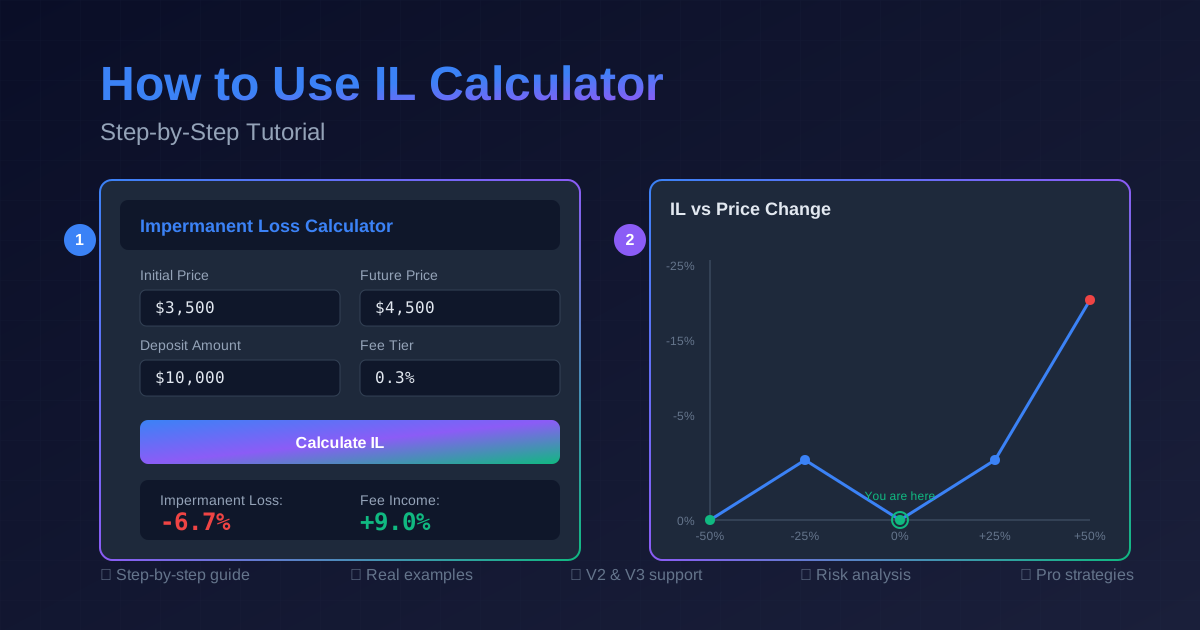
How to Use an Impermanent Loss Calculator: Step-by-Step Guide
Master the art of calculating impermanent loss with our comprehensive guide. Learn to evaluate liquidity pool risks, optimize returns, and make informed DeFi investment decisions.
GameFi ROI Calculator: Calculate Play-to-Earn Returns & Break-Even Time
Complete guide to GameFi and Play-to-Earn ROI calculation. Learn how to analyze Axie Infinity, STEPN, Illuvium earnings, NFT breeding costs, scholarship programs, and break-even scenarios with our free P2E calculator.
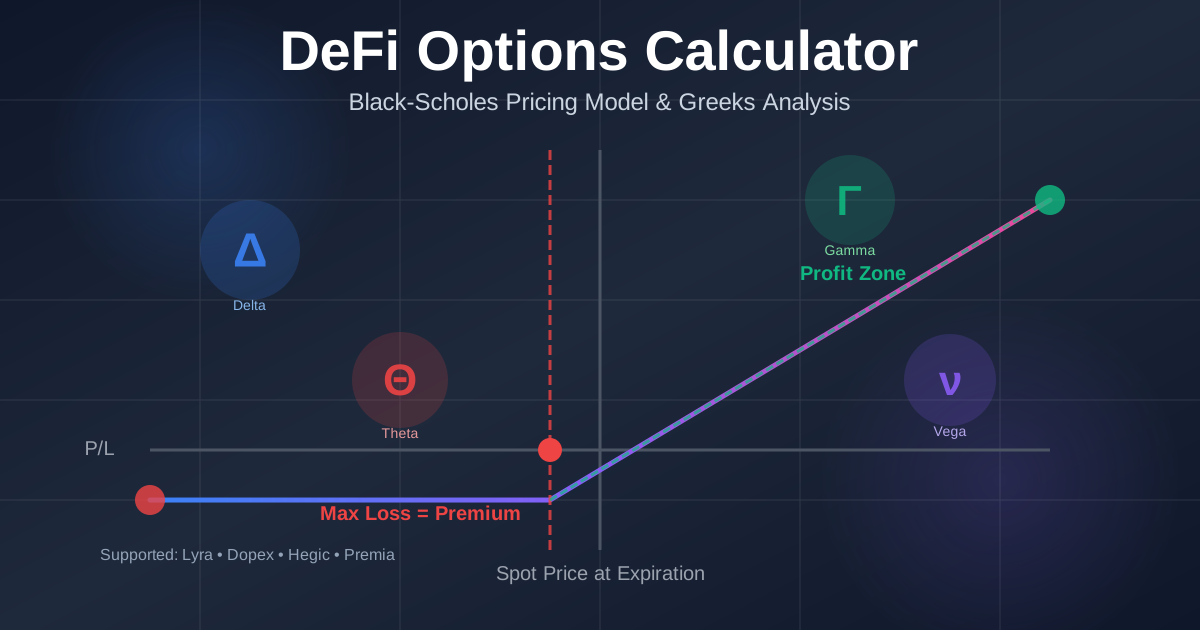
DeFi Options Calculator Guide: Black-Scholes Pricing & Greeks Explained
Complete guide to DeFi options trading with Black-Scholes pricing model, Greeks calculator (Delta, Gamma, Theta, Vega), and strategy analysis for Lyra, Dopex, Hegic, and Premia protocols